
Exporting Data
The export reports and export option on other reports allow you to create a comma separated values (CSV) file that you can download to a computer, view in situ on your device, or forward by any method supported by your device (email, WhatsApp®, etc).
Export a Year's Data
This option will export Income, Expense, Stock, Capital and Travel records for the last complete financial year.
Export all Data
This option exports all of your data, along with Preferences & Default settings.
View on Computer
Connect your device to a Windows® or Apple Mac® computer.
On Windows®, launch Apple's "Apple Devices" or Microsoft's "Phone Link" app and follow their respective instructions.
On a Mac, connect your device and use Finder to locate the device and its app contents.
View on Device
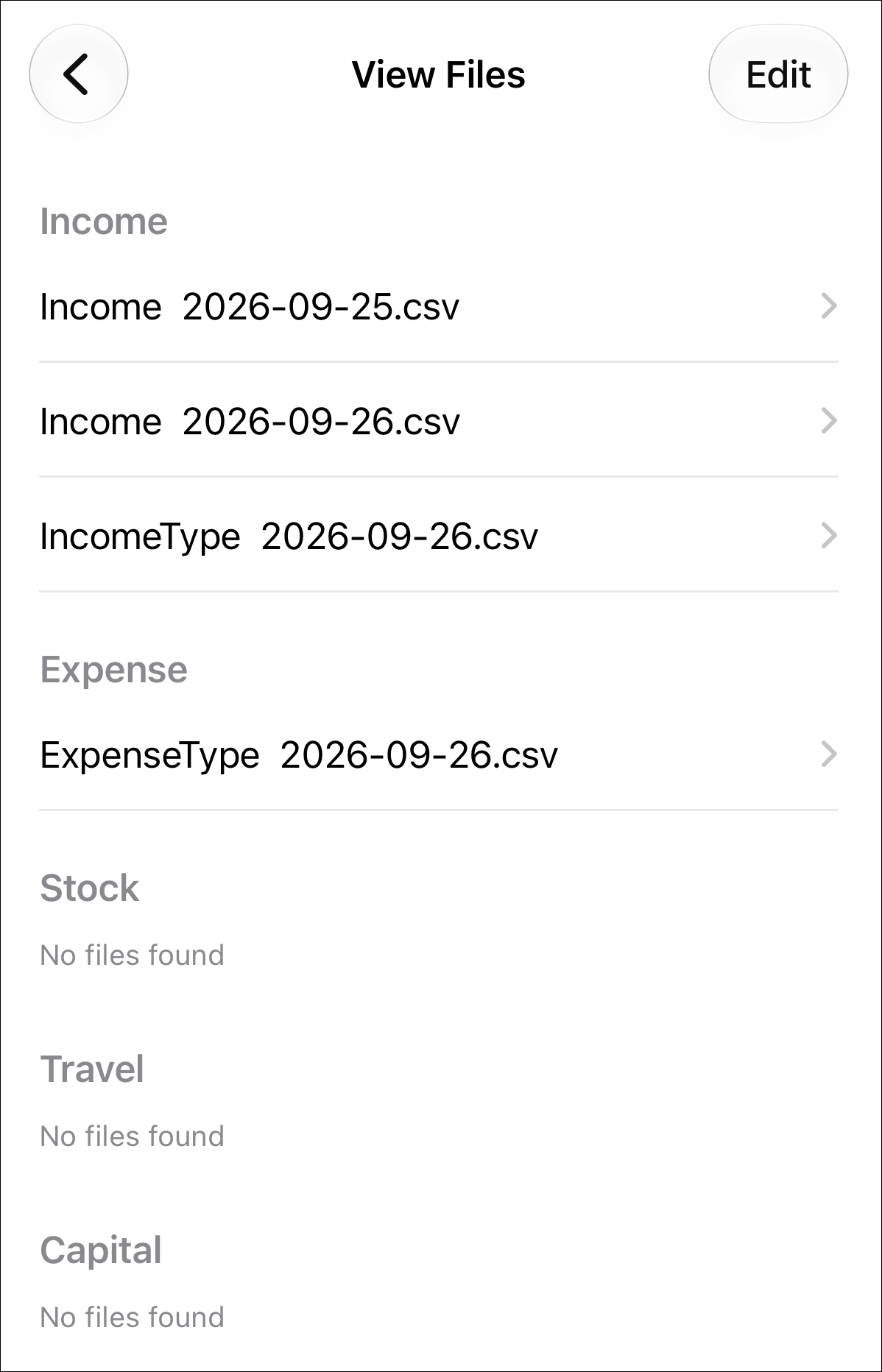
Use the 'View Files' option see any files generated from reports. The screen that displays the selected file's contents has options for forwarding it via e.g. email.